

Interactive Maps for WordPress
Google Maps WordPress Plugin for Store Locations
Add interactive Google Maps, searchable store locations, and driving directions to your WordPress website with a powerful Google Maps WordPress Plugin that's easy to set up and manage.

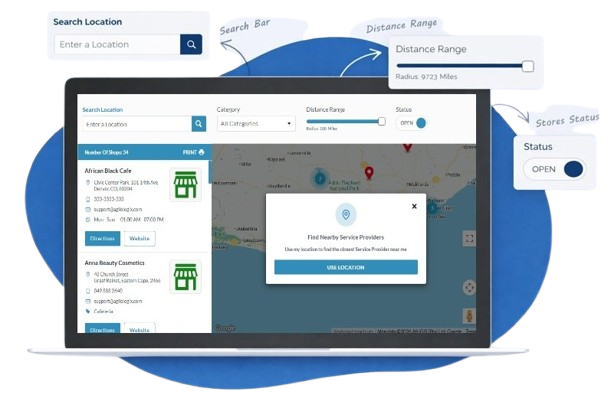
Live Demo Showcase
See Agile Store Locator In Action
Explore the live demo to see how easy it is to help your customers find the right location.
-
Smart SearchSearch by store name, addresss, radius, category and more.
-
Store ListDisplay locations with details like address, phone, hours and distance.
-
Interactive MapBuilt on Google Maps with markers, clustering and directions.
-
Advanced FiltersFilter by category, tags, features and custom fields.
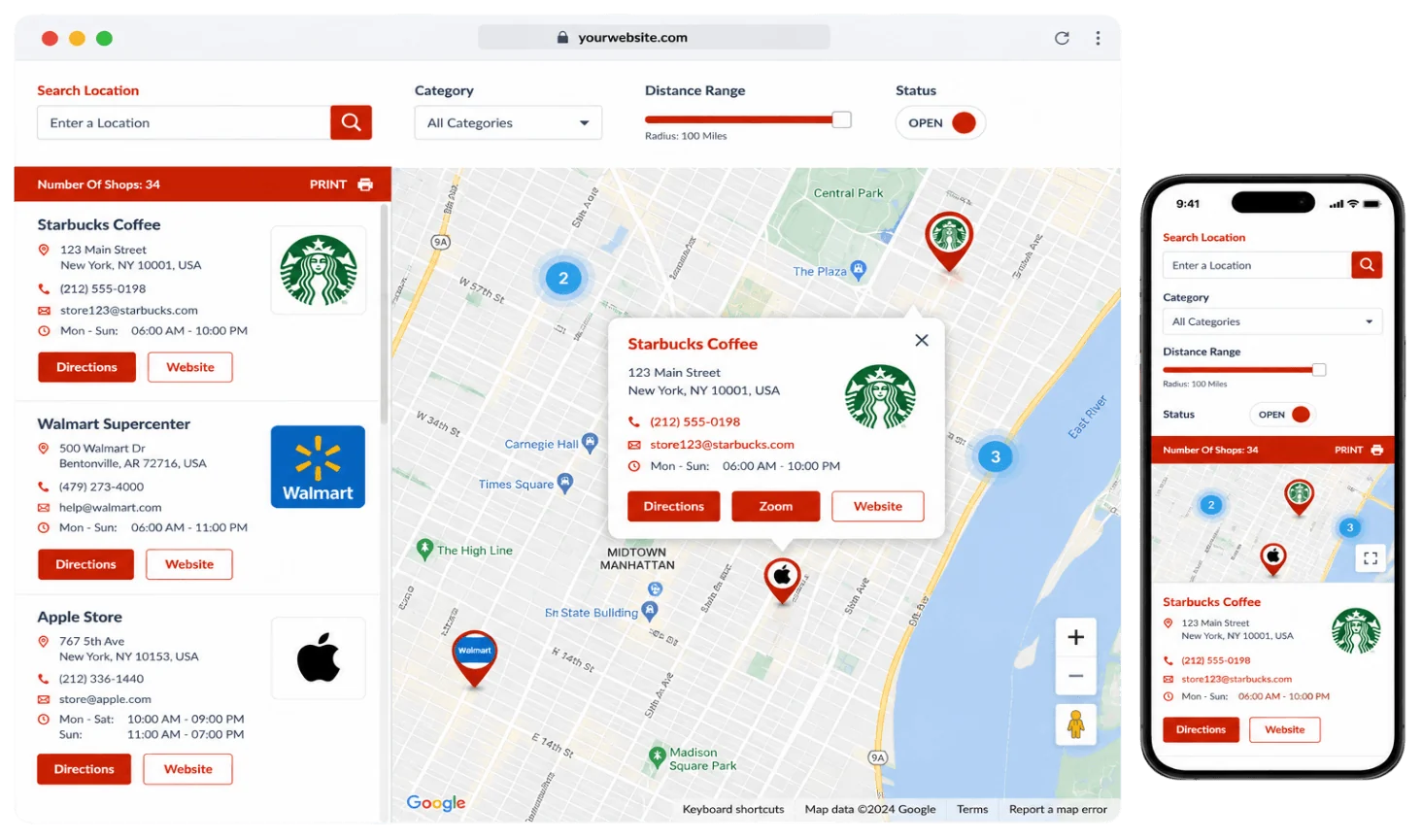
Why Your Website Needs a
Google Maps WordPress Plugin
Add interactive Google Maps, searchable store locations, and driving directions to your WordPress website with easy setup and management.
Interactive Google Maps
Embed fully interactive Google Maps that help visitors quickly find stores.
Store Locator Search
Enable customers to search locations by address, ZIP code, city, or current location.
Driving Directions
Provide accurate turn-by-turn Google Maps directions that guide visitors to stores
Responsive Map Display
Display beautiful, mobile-friendly Google Maps that work seamlessly on every device.
Easy WordPress Integration
Add Google Maps to pages, posts, or widgets without writing a single line of code.
Simple Location Management
Manage unlimited locations, categories, and map content from one WordPress dashboard.
A WordPress Plugin that has
Everything Your Business Needs
Our plugin has all the essential elements to create the perfect store locator widget.
Advanced Search
Search by keyword, location & radius
Multiple Layouts
List, Grid, Map and Carousel
Google Maps
Built-in Google Maps integration
Categories
Organize locations with categories
CSV Import
Import locations in bulk
Analytics
Track searches and views
More Features
Explore 100+ Features
Simple, Transparent Pricing
One-Time Payment. Lifetime Updates.
- No monthly fees
- Lifetime updates
- 30-Day Money Back Guarantee
Plugin Features
Powerful Features for Essential for
Every WordPress Website
Discover powerful Google Maps WordPress Plugin features for adding interactive maps, managing locations, and more.
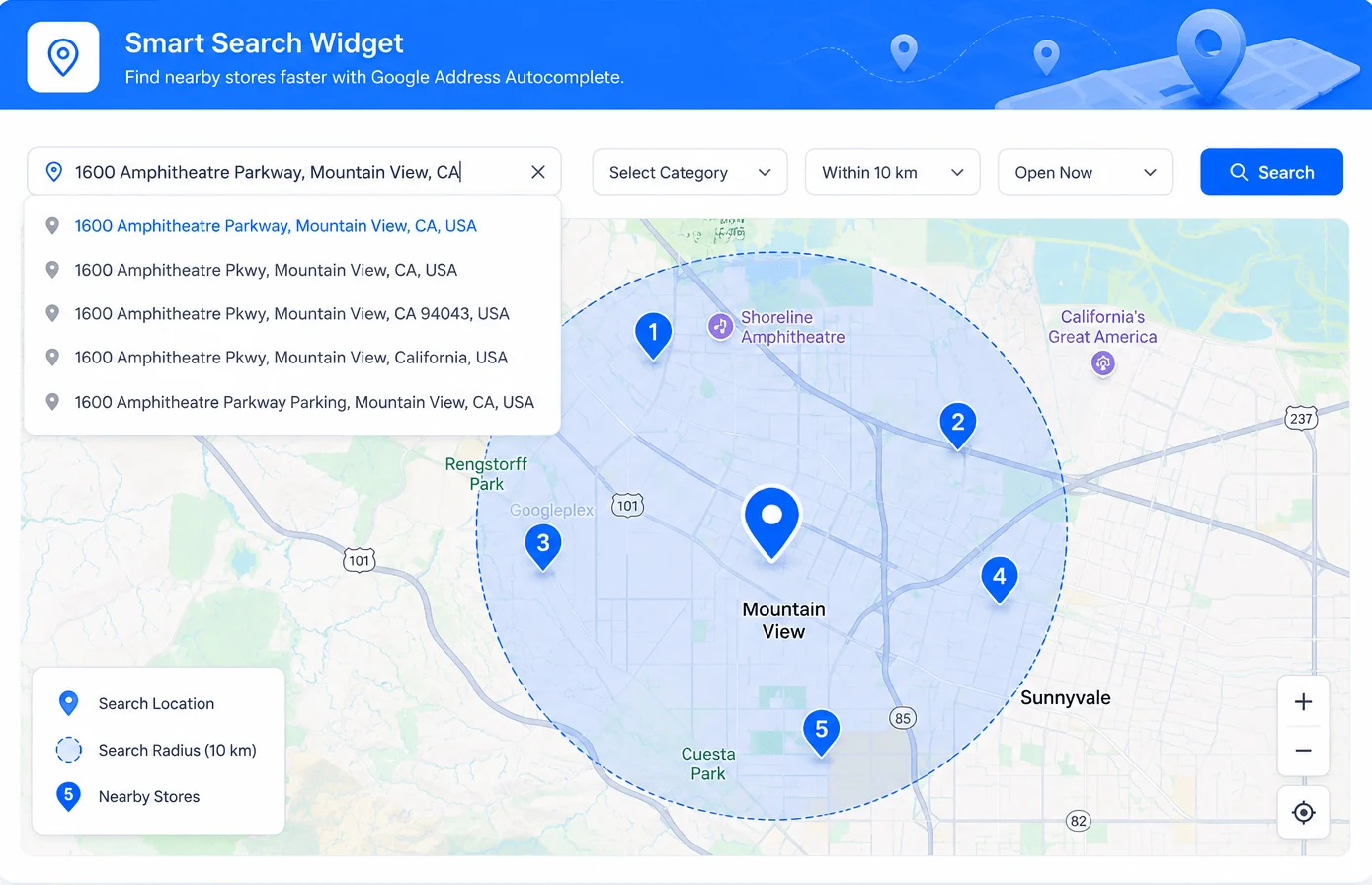
Nearby Store Finder
Help Customers Instantly Find the Nearest Business Location
Turn every website visit into a store visit with our Google Maps WordPress Plugin by helping customers quickly discover your nearest store location.
-
Nearest Location SearchAutomatically display the closest store, branch, or dealer based on the visitor's location.
-
Interactive Map SearchProvide an interactive Google Map to help visitors quickly discover your business locations.
-
Smart Distance ResultsShow locations sorted by distance to make customer visiting decisions easier.
-
Drive More Store VisitsReduce search time, improve customer convenience, and encourage more in-store visits.
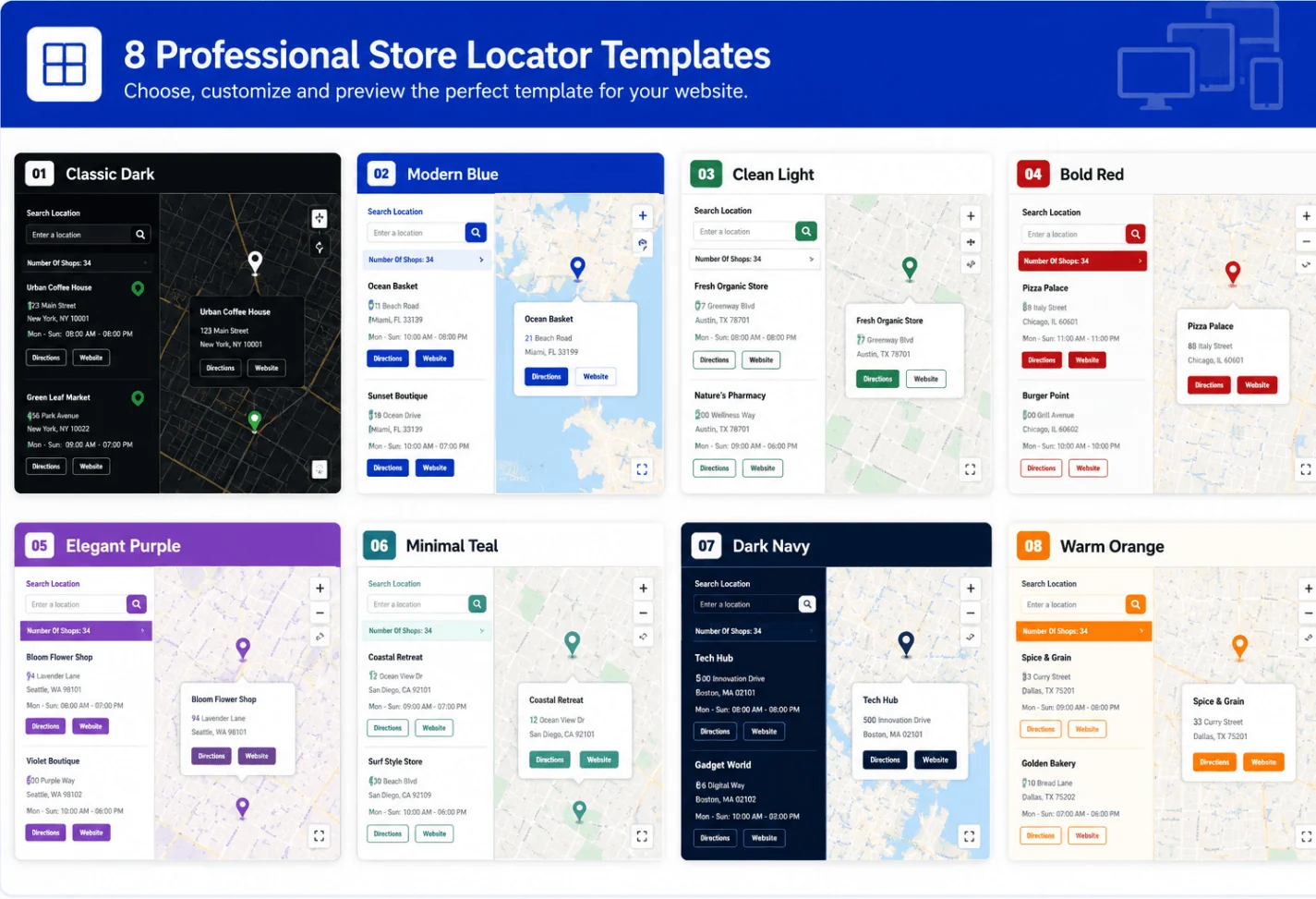
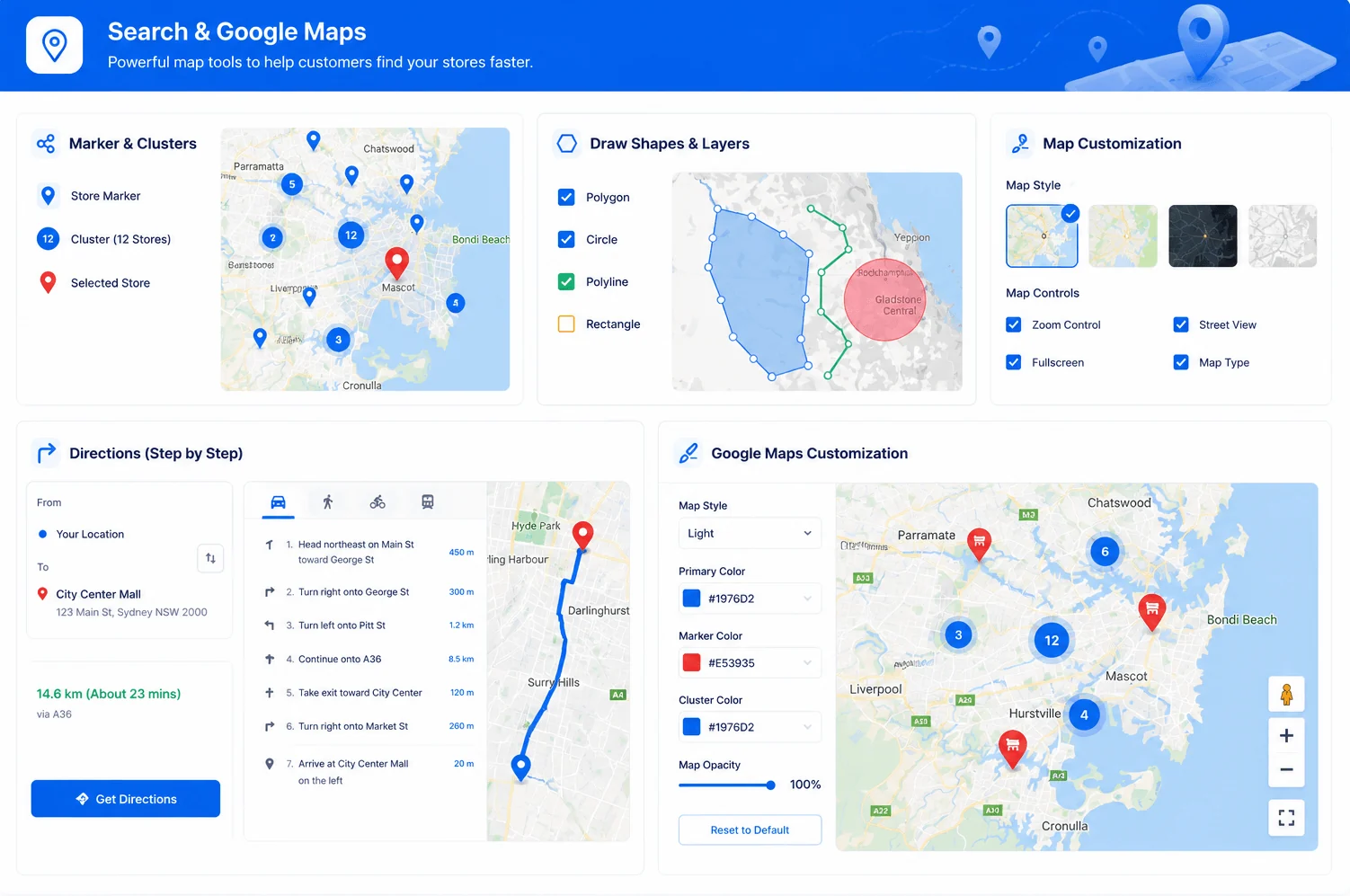
Google Maps Customization
Customize Every Google Map to Match Your Website
Customize maps with branded markers, map styles, colors, controls, and display options using our Google Maps WordPress Plugin.
-
Custom Map MarkersUse custom markers and icons to show locations that match your brand identity.
-
Map Style OptionsChoose from multiple Google Maps styles or create a custom look for your website.
-
Display ControlsConfigure zoom levels, map controls, and default views for better browsing.
-
Flexible Map SettingsAdjust map behavior and display options to suit different pages and business needs.
Easy WordPress Integration
Embed Google Maps Anywhere on Your WordPress Website
Display interactive Google Maps across pages, posts, widgets, and landing pages with our Google Maps WordPress Plugin for a seamless experience.
-
Simple ShortcodesEmbed Google Maps anywhere using simple shortcodes without writing any code.
-
Widget ReadyAdd interactive maps to widget areas, sidebars, and footers with just a few clicks.
-
Page Builder SupportWorks seamlessly with Elementor, Gutenberg, and other popular WordPress page builders.
-
Works with Any ThemeIntegrate Google Maps into virtually any WordPress theme with a consistent design.

Responsive Map Display
Deliver a Seamless Google Maps Experience on Every Device
Create responsive, mobile-friendly maps with our Google Maps WordPress Plugin that automatically adapt to desktops, tablets, and smartphones.
-
Mobile OptimizedDisplay Google Maps that automatically adjust to different screen sizes and devices.
-
Touch-Friendly ControlsEnable smooth map navigation with touch gestures, zoom controls, and intuitive interactions.
-
Fast Loading MapsLoad interactive Google Maps efficiently for a smoother browsing experience across devices.
-
Responsive LayoutsEnsure maps fit within your website design without additional customization.
Advanced Search Tools
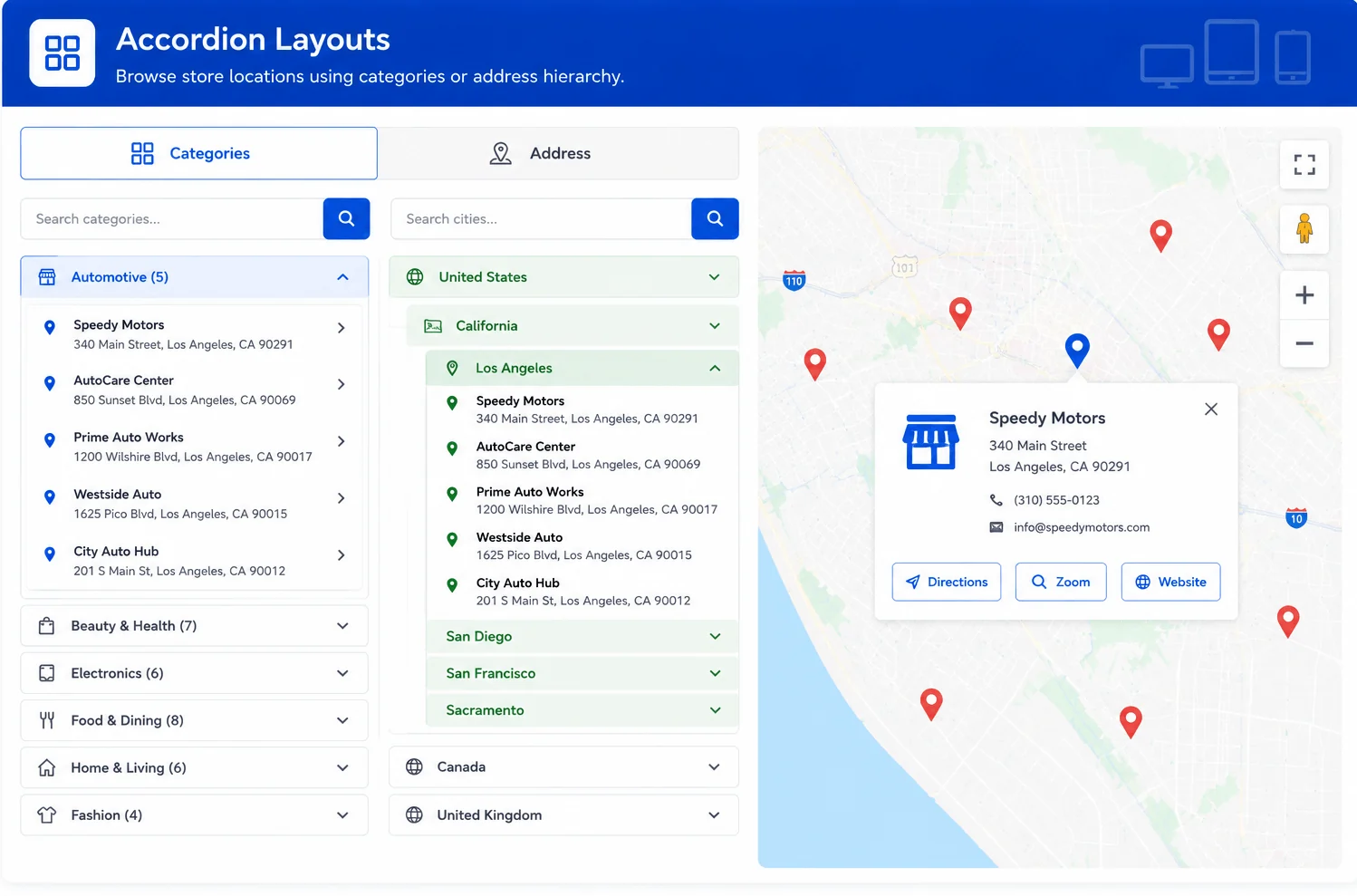
Powerful Search Features for Faster Location Discovery
Help visitors quickly find locations using advanced search capabilities included in our Google Maps WordPress Plugin for WordPress websites.
-
Address SearchSearch locations by address, city, ZIP code, or postal code with accurate results.
-
Current LocationAllow visitors to find the nearest locations using their current device location.
-
Category FiltersFilter locations by brand, service, or category for a more targeted search experience.
-
Radius SearchFind nearby locations within a selected distance using customizable search radius controls.
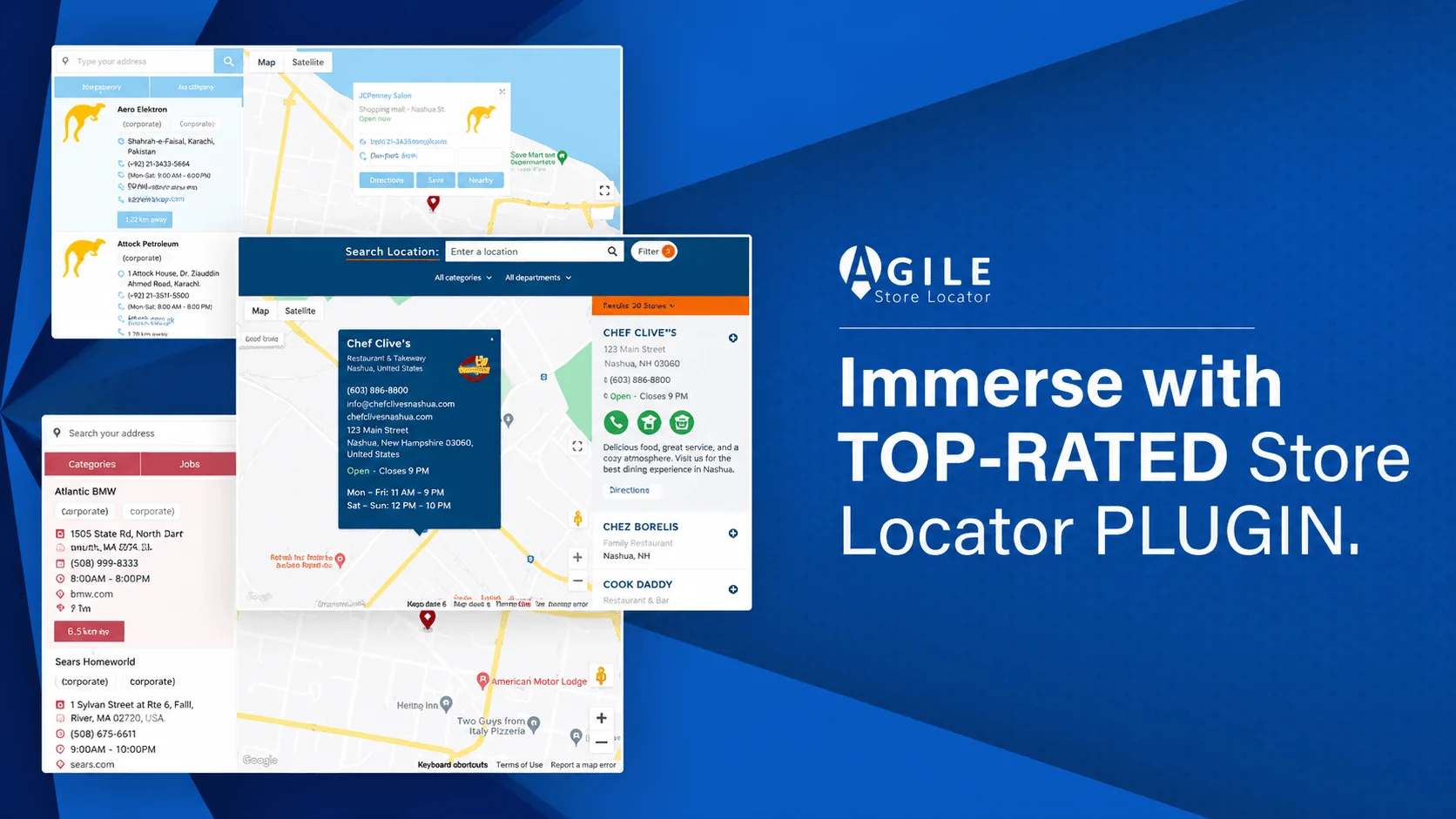
Overview Of Agile Store Locator
Agile Store Locator | Multi-purpose
Google Maps
WordPress Plugin
Faqs
Frequently Asked Questions
Find answers to the most common questions about Agile Store Locator.
Still Have Questions?
Our support team is here to help you successfully set up and use Agile Store Locator.
Ready to Grow?
Give Customers the Fastest Way to Find Your Business
Launch the best WordPress Store Locator and help customers instantly find stores, dealers, franchises, and pickup locations with an intuitive Google Maps experience.
