
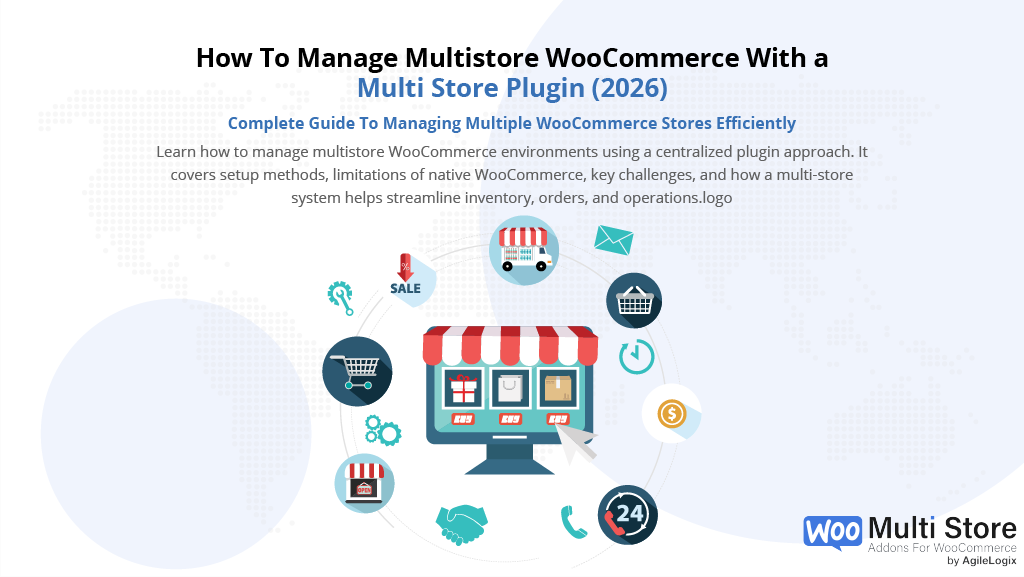
Managing multiple stores in WooCommerce sounds simple at first. Many businesses start with one branch and later expand into multiple locations, warehouses, or regions. This shift introduces new challenges that a standard setup is not designed to handle.
A multistore WooCommerce setup allows you to manage more than one shop under a single system. It can include different locations, inventories, pricing, or fulfillment methods. While this sounds efficient, it often becomes difficult to manage without the right structure in place.
As the demand for multi store ecommerce grows, businesses need better ways to control inventory and operations across all locations. This is where a multi store ecommerce platform comes into play. Without proper tools, store owners often face issues like stock mismatches, overselling, and disconnected sales data.
If you’re new to the platform, understanding how WooCommerce for WordPress works can help you better manage products, orders, and shop operations as your business grows.
In this guide, we’ll explain how multistore WooCommerce works, why it becomes complex, and how you can manage multiple shops without running into inventory issues.
2. What Is Multistore WooCommerce And How It Works
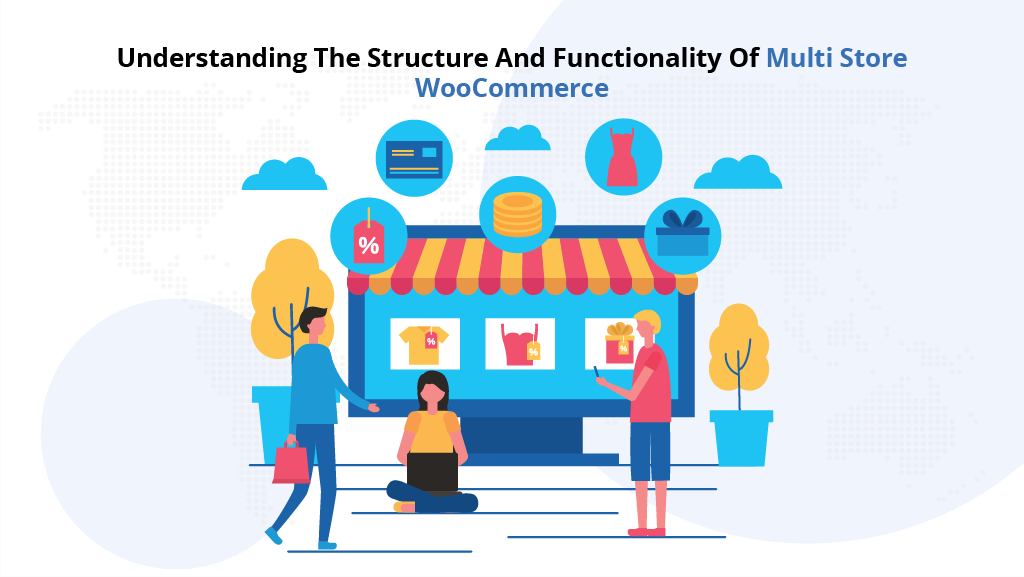
A multistore WooCommerce setup is one of the most effective ways to manage multiple stores without creating operational complexity.
As online businesses expand, multistore WooCommerce becomes a practical way to manage growth without creating separate systems for each location. Instead of building multiple independent stores, businesses can centralize operations and simplify management.
Moreover, a well-structured multistore WooCommerce setup allows store owners to control inventory, orders, and store operations from one place while still supporting store-level flexibility. This balance between control and flexibility is essential for scaling efficiently.
In addition, rather than relying on disconnected tools, multistore WooCommerce provides a unified system that keeps data consistent across all locations. This ensures that inventory, pricing, and availability remain accurate at all times.
As a result, this becomes especially important for businesses that need accurate inventory and smooth operations across regions. Without a structured system, even small inconsistencies can grow into larger operational problems.
Ultimately, when implemented correctly, multistore WooCommerce helps reduce manual work, improve stock accuracy, and simplify store management. For growing brands, adopting multistore WooCommerce is not just a technical upgrade but a necessary step toward scalable and efficient operations.
What Is A Multistore WooCommerce Setup And Why It Matters
A multistore WooCommerce setup refers to managing more than one store or location within a single system.
Each branch can have its own products, inventory levels, pricing, and fulfillment rules. This setup is common for businesses that operate across cities, regions, or multiple warehouses.
In simple terms, instead of running completely separate websites, business owners try to control all operations from one centralized backend. This makes it easier to manage orders, track performance, and maintain consistency across locations.
However, WooCommerce was originally built for a single-store model. It does not natively support managing WooCommerce multiple stores with separate inventory and logic out of the box.
This is where complexity begins.
A multi-store setup can take different forms. Some businesses manage multiple locations under one branch with shared inventory. Others require full separation, where each location has its own stock and pricing.
The approach depends on how the business operates.
For example, a retail chain may need shop-level inventory control, while an online-only business may only require centralized stock. Understanding this difference is important before choosing how to build your system.
At its core, multistore WooCommerce is about managing operations across locations without losing control over inventory, orders, and customer experience.
3. Common Ways To Set Up WooCommerce Multistore Environments
There are several ways to create a multistore WooCommerce setup. Each method has its own advantages and limitations. The right choice depends on how much control and flexibility your business needs.
Below are the most common approaches used by business owners.
1. Using WooCommerce Multisite Setup
This method uses WordPress Multisite. It allows you to run multiple branches under one network.
Key characteristics:
- Each branch has its own dashboard
- Separate databases for products and orders
- Shared WordPress installation
Limitations:
- Complex to set up and maintain
- No built-in inventory sharing
- Requires technical knowledge
2. Running Separate WooCommerce Installations
In this approach, each location runs on a completely separate website.
Key characteristics:
- Full independence between branches
- Custom design and setup for each location
- No shared infrastructure
Limitations:
- No centralized control
- Inventory must be managed manually
- High maintenance effort
3. Using A WooCommerce Multi Store Plugin
This is the most practical approach for growing businesses.
A WooCommerce multi store plugin allows you to manage multiple stores from a single system.
Key advantages:
- Centralized inventory management
- Store-specific pricing and stock
- Easier scaling across locations
Quick Comparison Of Approaches
| Approach | Setup Complexity | Inventory Control | Centralized Management | Scalability |
| Multisite | High | Limited | Partial | Medium |
| Separate Stores | Medium | None | None | Low |
| Multi Store Plugin | Low | Strong | Full | High |
Key Takeaway
- Multisite = technical and complex
- Separate shops = hard to manage
- Plugin-based approach = scalable and efficient
Choosing the right structure early can save time and prevent major inventory issues later.
4. Why Native WooCommerce Falls Short For Multi-Store Management, Especially in WordPress
WooCommerce is a powerful platform. However, it is designed for a single-store setup.
When businesses try to expand into a multistore WooCommerce model, they quickly face limitations that are not obvious at the start.
One of the biggest issues is the lack of native support for managing WooCommerce inventory per store. By default, WooCommerce treats inventory as a single shared pool. This makes it difficult to assign stock to specific locations or warehouses.
Managing stock across multiple locations becomes even more complex without a structured approach to WooCommerce inventory management, especially when inventory is not centralized or synchronized across stores.
Another major limitation is the absence of centralized control.
Store owners often need to manually update stock, pricing, and product availability for each location. This increases the risk of errors and creates operational inefficiencies.
Modern inventory management systems are designed to provide real-time visibility and control over stock across multiple locations. In contrast, a default WooCommerce setup lacks this level of coordination and automation.
Key Limitations Of Native WooCommerce
- No built-in support for store-level inventory
- No centralized dashboard for multi-location control
- Manual updates required across stores
- No real-time inventory synchronization
Why This Becomes A Problem
As your business grows, these limitations start to impact daily operations. Without proper structure, even small inconsistencies can lead to larger issues.
- Stock levels become unreliable across locations
- Orders may be accepted for out-of-stock products
- Store-level pricing and availability become difficult to manage
Over time, these challenges make it harder to scale efficiently. This is why relying only on the default WooCommerce setup is not enough for businesses managing multiple stores.
5. The Biggest Challenges Retailers Face Without a Proper WooCommerce Multi-Store Setup
Common Problems in Multi-Location Retail Systems
As businesses expand into multiple locations, managing operations becomes more complex. Without a proper system in place, even basic tasks like tracking stock or processing orders can become difficult.
One of the most common issues is inventory mismatch. When stock is not updated in real time, different stores may show incorrect availability. This leads to confusion for both store owners and customers.
Another major challenge is overselling. When inventory is shared across locations without proper synchronization, orders may be placed for products that are no longer available. This creates fulfillment issues and affects customer trust.
In modern retail environments, retail POS systems play a critical role in connecting in-store and online sales. However, without proper integration, WooCommerce and POS systems often operate separately.
This lack of connection leads to disconnected data. Sales made at physical stores may not reflect in the online inventory immediately. As a result, stock levels become unreliable across all locations.
Without proper synchronization between your POS system and WooCommerce, inventory discrepancies can quickly lead to errors. This is especially important to understand when implementing a POS system in retail, where real-time data is essential for smooth operations.
Key Challenges In Multi-Store Retail
- Inventory mismatch across locations
- Overselling due to delayed stock updates
- Disconnected online and offline sales
- Lack of real-time inventory visibility
Operational Impact On Growing Businesses
These challenges do not remain small for long. As the number of stores increases, the impact becomes more noticeable.
- Customer experience is affected by incorrect stock information
- Location staff spend more time fixing errors manually
- Business decisions are based on inaccurate data
Without a reliable system, scaling a multi-store setup becomes risky and inefficient. This is why addressing these challenges early is critical for long-term growth.
6. How Multi-Store Addons For WooCommerce Solves These Challenges
A Practical Solution For Managing Multiple Stores Efficiently
At this point, the pattern is clear. Managing a multistore WooCommerce setup is not just about adding more stores. It is about maintaining control, accuracy, and consistency across every location.
Without the right system, growth creates chaos.
Inventory becomes unreliable. Orders become risky. Shop operations become harder to manage with every new location you add.
This is where a dedicated WooCommerce multi store plugin becomes essential. And this is exactly where Multi-Store Addons for WooCommerce changes the game.
Instead of forcing WooCommerce to behave like a multi-store system, it extends it into one.
For businesses serious about scaling a multistore WooCommerce operation, this is not just a feature upgrade. It is a structural solution.
Why Multi-Store Addons For WooCommerce Stands Out
Unlike generic approaches, this solution is built specifically for businesses managing WooCommerce multiple stores with real operational needs.
- It removes the guesswork from inventory management
- It gives you control at both the global and shop levels
- It aligns online and offline sales into one system
This is what most multistore WooCommerce setups are missing.
Centralized Inventory Across All Locations
One of the biggest challenges in multistore WooCommerce is fragmented inventory. Multi-Store Addons for WooCommerce solves this by introducing a centralized system.
You can:
- Track stock across all locations from one dashboard
- Update inventory once and reflect it everywhere
- Maintain consistency without manual effort
This directly eliminates inventory mismatch issues
Store-Specific Stock And Pricing Control
Every location is different. Some locations sell more. Some require different pricing. Default WooCommerce does not handle this well.
With Multi-Store Addons for WooCommerce:
- Each shop can have its own stock levels
- Pricing can be adjusted per location
- Product availability can vary by location
This gives true control over WooCommerce inventory per shop.
Real-Time Inventory Sync Across Locations
Delays in stock updates are one of the biggest risks in a multistore WooCommerce setup. This is where real-time synchronization becomes critical.
- Inventory updates instantly across all branches
- Orders reflect accurate stock levels
- Overselling risks are minimized
This creates a reliable system that businesses can trust.
Built For POS And Multi-Location Retail Workflows
Modern retail is not just online. It includes physical shops, warehouses, and POS systems.
Multi-Store Addons bridges this gap:
- Syncs WooCommerce with shop-level operations
- Supports POS-driven inventory updates
- Connects online and offline sales into one flow
This is where multistore WooCommerce becomes a true retail solution.
Seamless Integration Without Complexity
One of the biggest fears when scaling is complexity. Many solutions require custom development or technical setup.
Multi-Store Addons for WooCommerce is designed to work within your existing WooCommerce environment.
- No need for multiple installations
- No need for complex configurations
- Works with your current store setup
You scale without rebuilding everything.
Quick Comparison: Without vs With Multi-Store Addons
| Feature | Without a Proper System | With Multi-Store Addons |
| Inventory Control | Manual and inconsistent | Centralized and automated |
| Stock Accuracy | Error-prone | Real-time and reliable |
| Multi-Location Support | Limited | Fully supported |
| POS Integration | Disconnected | Unified system |
| Scalability | Difficult | Smooth and controlled |
This is where most store owners realize the need for a proper multi-store system.
The Real Impact On Your Business
When you move from a basic setup to a structured multistore WooCommerce system, everything changes.
- Inventory becomes predictable
- Orders become reliable
- Shop operations become efficient
- Growth becomes manageable
This is not just about managing multiple stores.
This is about building a system that supports growth.
A Solution Built For Growth
For business owners looking to scale a multistore WooCommerce without inventory issues, a structured solution like Multi-Store Addons for WooCommerce provides the control and reliability needed for long-term growth.
It removes limitations. It simplifies operations. And most importantly, it gives you control.
Because at scale, control is everything.
7. How WooCommerce Multi Store Plugins Work
Understanding The Role of Multi-Store Plugins
A multistore WooCommerce setup becomes manageable only when there is a system controlling how data flows between locations.
This is the role of a WooCommerce multi store plugin.
Instead of treating your shop as a single unit, the plugin introduces structure. It allows you to define how inventory, pricing, and orders behave across different locations.
At a basic level, it connects all stores to a central system while still allowing each location to operate independently.
Core Functions of a Multi-Store Plugin
A WooCommerce multi store plugin works by creating layers of control between global and store-level data.
- A central database manages products and stock
- Each shop can override specific values like price or availability
- Orders are processed with location-based logic
This ensures that your multistore WooCommerce setup remains consistent and scalable.
How Inventory And Orders Are Managed
Inventory is the most critical part of any multi-store system. Without proper control, even small errors can grow quickly.
Proper handling of WooCommerce backorders is essential to avoid fulfillment delays and customer dissatisfaction.
A structured system allows you to:
- Assign stock to specific locations
- Track inventory movements in real time
- Update stock automatically after each order
This approach supports accurate WooCommerce inventory per location without manual intervention.
How It Supports Multi Location Operations
As your business grows, managing WooCommerce multi location setups becomes more complex. A plugin simplifies this by introducing location-based rules.
- Orders can be assigned to the nearest store
- Shipping can be calculated based on location
- Store-specific availability can be shown to customers
Defining rules using WooCommerce shipping tables helps manage delivery conditions across multiple locations.
This improves both operational efficiency and customer experience.
Why This Approach Is More Reliable
Without a structured system, business owners rely on manual updates or disconnected tools. This leads to errors and delays.
With a proper plugin:
- Data flows automatically between locations
- Inventory stays synchronized
- Shop operations become predictable
This is what transforms a basic multistore WooCommerce setup into a reliable system.
Key Benefits Of Using a Multi Store Plugin
- Centralized control with shop-level flexibility
- Real-time inventory and order updates
- Better handling of WooCommerce multiple stores
- Simplified management of complex operations
Connecting Back To The Bigger Picture
At this stage, it becomes clear that scaling a multistore WooCommerce system requires more than just adding stores. It is about creating a system that can handle growth without breaking operations.
This is why many businesses move toward structured solutions instead of relying on default WooCommerce functionality.
How Modern Businesses Manage Multiple Stores Efficiently
As businesses expand, managing WooCommerce multiple stores becomes a key challenge. Each store may operate in a different region, serve a different audience, or follow different pricing strategies. Without a structured system, handling operations across multiple locations quickly becomes difficult.
In many cases, businesses evolve into a multi store ecommerce platform where centralized control is required to maintain consistency. This includes managing inventory, orders, and product availability across all locations without creating conflicts.
At the same time, companies operating a WooCommerce multi location setup need flexibility. Each location may require different stock levels, shipping rules, or product visibility. A well-structured system allows businesses to manage these differences while keeping operations connected.
8. Why Multi Store E-commerce Requires Centralized Inventory And Sync
As businesses grow, managing a multistore WooCommerce setup without centralized control becomes risky. Each new branch adds complexity, especially when inventory and orders are not synchronized.
In a multi store ecommerce platform environment, inventory must be accurate across all locations. Without a centralized system, stock updates can lag behind actual sales. This creates confusion and increases the chances of errors.
Recent e-commerce growth trends show that businesses are rapidly expanding into multiple sales channels and locations.
As your business grows, learning how to scale multiple WooCommerce stores becomes critical to maintaining performance, inventory accuracy, and operational efficiency.
Why Centralization Matters
- Inventory updates happen in real time
- Stock levels remain consistent across shops
- Orders are processed with accurate data
Effective multi-location inventory management ensures that stock levels remain reliable across all channels.
The Impact On Business Growth
- Better control over operations
- Reduced risk of stock errors
- Improved customer experience
Without centralized inventory, scaling a multistore WooCommerce setup becomes difficult to sustain.
Conclusion: Scaling Multistore WooCommerce Without Complexity
Managing a multistore WooCommerce setup is not just about adding more shops. It is about building a system that can handle growth without creating operational problems. Furthermore, scaling a multistore WooCommerce setup requires more than just adding stores.
Businesses rely on structured multi-store management systems to ensure smooth operations across all locations.
As your business expands, challenges like inventory mismatch, overselling, and disconnected systems become more visible. Without the right structure, these issues can slow down growth and affect customer experience.
The key is to move from a basic setup to a system that supports centralized control and real-time updates. This is where a reliable WooCommerce multi store plugin becomes essential.
Instead of relying on manual processes, businesses need a solution that keeps inventory accurate, connects all warehouses, and supports both online and offline operations.
- Growth becomes easier to manage
- Inventory remains consistent across locations
- Location operations become more efficient
A structured approach allows you to scale a multistore WooCommerce without complexity. It gives you control, flexibility, and confidence as your business grows.
Frequently Asked Questions About Multistore WooCommerce
What Is WooCommerce Multistore And How Does It Work?
WooCommerce multistore refers to managing multiple retail outlets within a single system while maintaining control over products, inventory, and operations.
A proper WooCommerce multistore setup allows business owners to manage a product across multiple outlets without creating duplicate systems.
Instead of running a single WooCommerce shop, businesses can expand into multiple locations while keeping operations centralized. This helps maintain consistency across the product catalog, pricing, and outlet settings.
What Is The Difference Between WooCommerce Multistore And Multisite Network?
A multisite network allows you to create multiple websites under a single WordPress installation. Each site acts as a standalone store with separate configurations.
In contrast, a WooCommerce multi-store setup focuses on managing multiple stores within a unified system. Instead of handling multiple websites separately, it allows you to manage WooCommerce products, stock management, and order management from one place.
Can WooCommerce Manage Product Stock Across Multiple Stores?
By default, WooCommerce does not support managing product stock across multiple stores efficiently. It treats inventory as a single shared pool, which can create issues when different stores require separate stock quantities.
Using a WooCommerce multistore plugin, businesses can assign product stock to a specific store and maintain accurate stock quantities across all locations. This enables better stock management and prevents overselling.
How Does Product And Order Sync Work In A Multistore WooCommerce Setup?
In a proper WooCommerce multistore setup, store owners can sync products across multiple stores while maintaining control over each location. This includes syncing product data, pricing, and availability.
Order sync ensures that WooCommerce orders are processed correctly across all stores. It allows businesses to track orders from different locations without confusion.
- Sync products across all stores in real time
- Maintain a consistent product catalog across locations
- Enable accurate order sync between stores
Can I Manage Multiple Stores From A Single WordPress Installation?
Yes, businesses can manage multiple stores using a single WordPress setup. This is especially useful for business owners who want centralized control without managing multiple websites separately.
A single WooCommerce setup can support multiple stores through structured store management systems. This allows store managers to handle operations without switching between different dashboards.
What Is The Role Of A WooCommerce Multistore Plugin?
A WooCommerce multistore plugin acts as the core system that connects all stores. It allows businesses to manage WooCommerce product data, stock management, and store settings across multiple locations.
With the right plugin, you can:
- Manage product stock per store
- Sync products across locations
- Control store-specific pricing and availability
This is essential for businesses operating across multiple stores or warehouses.
How Does Central Stock Work In WooCommerce Multi-Store Systems?
Central stock for WooCommerce allows businesses to maintain a unified inventory system while still supporting store-level control.
Instead of managing stock separately for each standalone store, a centralized system:
- Tracks stock quantities across multiple stores
- Updates product stock automatically
- Ensures consistency across the product catalog
This improves efficiency and reduces manual work.
Can Each Store Have Its Own Product And Settings?
Yes, a WooCommerce multi location setup allows each store to have its own store settings, pricing, and product availability. While the core product catalog remains shared, each store can customize how products appear and behave.
This means:
- A unique product can have different stock levels per store
- Product pages can reflect location-based availability
- Stores can operate independently while staying connected
How Do You Set Up Multiple Stores In WooCommerce?
Setting up multiple stores in WooCommerce depends on the approach you choose. Some businesses use a multisite network, while others rely on plugins for better control.
When setting up multiple stores, key steps include:
- Defining store structure within your network
- Configuring product catalog and stock management
- Setting up order management and sync systems
A WooCommerce multi-store setup using a plugin is often the most efficient option.
Advanced Multistore Features And Considerations
For businesses managing multiple sites or operating across multiple websites, advanced features become important.
These may include:
- XML sitemaps for each store to improve SEO
- Managing a store in your network with unique configurations
- Supporting multiple stores within a single online store system
These features help improve visibility, organization, and scalability.
Why Is Multistore WooCommerce Important For Growing Businesses?
As businesses expand, managing operations across multiple stores becomes more complex. A structured WooCommerce multistore system helps maintain control over product stock, orders, and store management.
It allows businesses to:
- Scale without losing control over inventory
- Manage operations across multiple stores efficiently
- Improve customer experience with accurate product availability
This makes multistore WooCommerce a critical solution for modern eCommerce growth.