
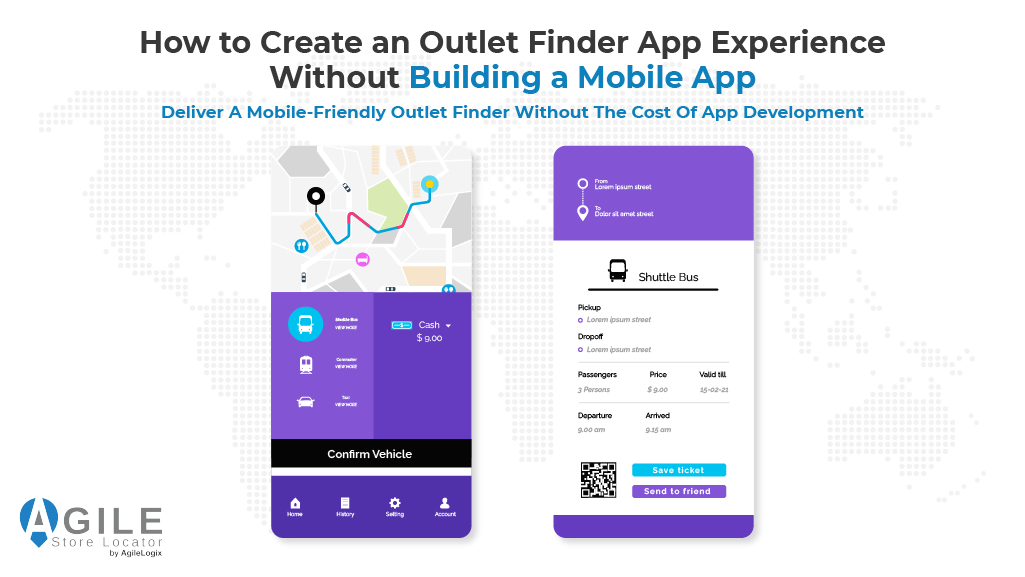
When many businesses decide they need an outlet finder app, their first instinct is to build a dedicated mobile application.
They imagine developing separate versions for Android and iOS, publishing them through app stores, maintaining multiple versions, and investing significant time and money into ongoing updates.
In reality, that’s rarely what customers expect.
Most people simply want to find the nearest outlet, view its location on a map, check opening hours, and get directions from their phone.
- They don’t necessarily want to download another app just to discover a nearby store.
- They want a fast, responsive experience that works instantly—whether they’re using a desktop computer, tablet, or smartphone.
This shift in customer behavior is becoming increasingly important. Research shows that nearly 60% of all online searches are performed on mobile devices, making mobile usability a key factor in helping customers discover nearby businesses.
For most companies, creating an app-like experience on their website delivers the convenience customers expect without the expense of developing a native mobile application.
In this guide, we’ll explore four reasons why building an outlet finder app experience through your website is often the smarter business decision.
From eliminating the need for coding to providing a responsive mobile interface, simple installation, and advanced features, you’ll discover how businesses can create a modern location finder that customers love—without building a mobile app.
2- Why Most Businesses Don’t Need a Dedicated Outlet Finder App
At first glance, building a dedicated outlet finder app seems like the logical choice.
Businesses often assume that if customers are using smartphones, they must also expect a downloadable app. However, creating native Android and iOS applications comes with high costs, ongoing maintenance, developer resources, and the responsibility of keeping multiple versions up to date.
The reality is much simpler: customers don’t wake up thinking, “I hope this business has an app.” They simply want to find the nearest outlet, view it on a map, and get there as quickly as possible.
This is where many businesses overspend.
Instead of investing months into app development, they can provide the same convenience through a responsive website that customers can access instantly—no installation, no account creation, and no waiting for an app to download.
The comparison below highlights why a website-based solution is often the more practical choice.
| Native Mobile App | Website-Based Outlet Finder Experience |
| Separate Android & iOS development | Single responsive website |
| Months of development | Ready in minutes with a plugin |
| App Store approval process | Publish immediately |
| Multiple app updates | Manage from one WordPress dashboard |
| Customers must download the app | Customers access it instantly from any browser |
| Higher development and maintenance costs | Lower implementation and long-term costs |
For most businesses, the goal isn’t to own another mobile application—it’s to help customers quickly locate the right location with the least amount of friction.
A responsive outlet finder achieves exactly that while remaining easier to manage, easier to update, and accessible from virtually any device.
The next question becomes: how can businesses create that app-like experience without building an app? That’s exactly where Agile Store Locator comes in.
Furthermore, If you’re evaluating additional store solutions, our guide to choosing the best WordPress Store Locator explains the features that matter most when choosing the right tool for your business
3- How Agile Store Locator Creates an Outlet Finder App Experience
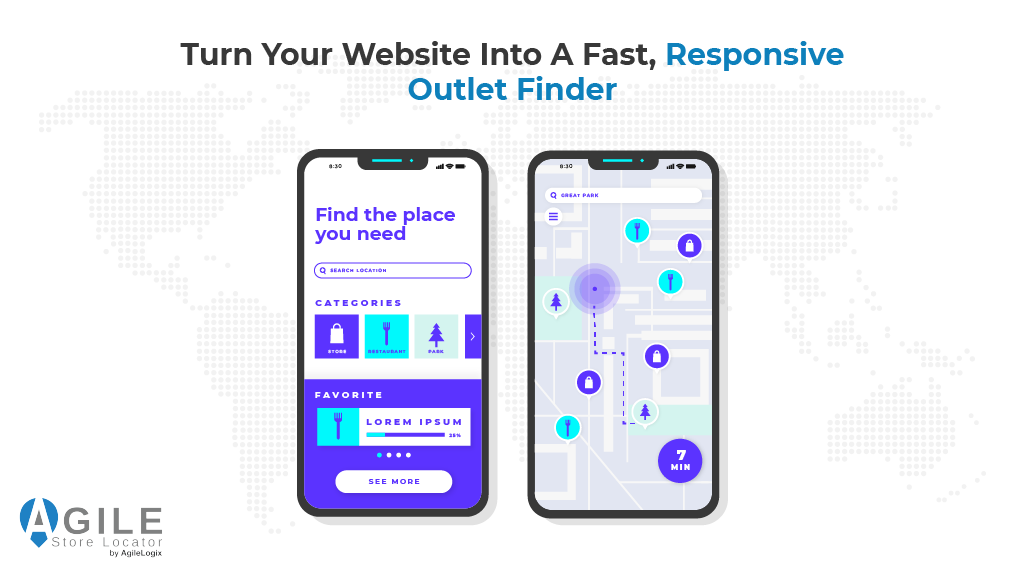
If your goal is simply to help customers find the nearest outlet, you don’t need to invest months building a dedicated mobile application.
What you really need is an experience that feels as intuitive as an app while remaining fast, accessible, and easy to maintain.
That’s exactly where Agile Store Locator excels.
Rather than spending thousands of dollars on separate Android and iOS development, Agile Store Locator transforms your existing WordPress website into a professional outlet finder app experience.
Customers can instantly search for nearby locations, explore an interactive map, view store information, and get directions—all without downloading anything or creating an account.
Even more importantly, your business only manages one platform. Every update, every new outlet, every customization, and every improvement happens from a single dashboard, eliminating the complexity of maintaining multiple applications across different operating systems.
Whether you’re operating a growing retail chain, expanding a dealer network, or managing franchise locations, Agile Store Locator provides everything needed to deliver the experience modern customers already expect.
Why Businesses Choose Agile Store Locator
Instead of investing in costly app development, businesses can:
- Launch a fully responsive outlet finder in minutes.
- Deliver a seamless experience across desktop, mobile, and tablet devices.
- Configure locations, categories, and search options without writing code.
- Scale from a handful of outlets to hundreds of locations from one dashboard.
- Continuously improve the customer experience without rebuilding an application.
This isn’t simply another store finder software solution. It’s a platform designed to remove the biggest barriers that prevent businesses from launching a modern location experience quickly.
When businesses compare implementation costs, maintenance effort, and long-term flexibility, the decision often becomes surprisingly simple. Instead of asking, “How do we build an app?” they begin asking, “How quickly can we launch?”
That’s precisely the shift Agile Store Locator was built to make possible.
By combining responsive design, intuitive search, powerful mapping, and enterprise-ready management tools into one easy-to-use solution, it enables businesses to deliver everything customers expect from an outlet finder app—without the cost, delays, or complexity of traditional app development.
As the following four reasons demonstrate, creating an app-like experience is far easier than most businesses imagine, especially when the right platform is already doing the heavy lifting for you.
4- Reason #1: No Coding Required—Launch Your Outlet Finder Faster

For many businesses, the biggest obstacle isn’t creating an outlet finder app—it’s believing they need developers, coding skills, and months of technical work before they can even get started. That misconception often leads to expensive projects, delayed launches, or low-quality solutions that quickly become difficult to maintain.
Agile Store Locator removes that barrier completely.
Instead of building an application from scratch, you simply install the store finder plugin, configure your locations, customize the layout, and publish your outlet finder directly on your WordPress website.
There’s no complex development process, no programming knowledge, and no need to manage separate Android and iOS applications.
The result is exactly what most businesses need: a professional location experience that looks and feels like an implementation while remaining remarkably easy to build and maintain.
Whether you’re opening your first retail outlet or expanding across multiple regions, the faster you help customers find your locations, the sooner those searches become store visits.
Rather than spending months developing software, you can spend that time growing your business, serving customers, and opening new opportunities.
Building a great customer experience shouldn’t require becoming a software developer.
With Agile Store Locator, it doesn’t.
5- Reason #2: Mobile View Without Building a Mobile App
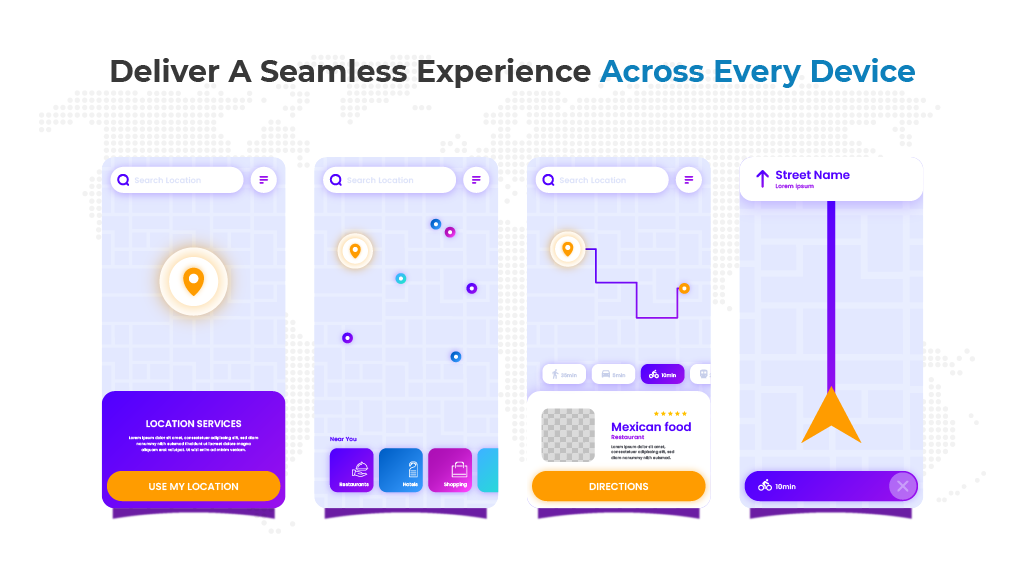
The biggest misconception about creating an outlet finder app is that customers need to install one before they can use it.
In reality, they simply expect a fast, intuitive experience that works wherever they are. Whether they’re searching from an Android phone, an iOS device, or a tablet, they want to find the nearest outlet, open a map, and start navigating in seconds.
That’s exactly what Agile Store Locator delivers.
Instead of asking customers to download another application, your website becomes the outlet finder.
Every search, every location, and every direction is available instantly through a responsive interface that automatically adapts to different screen sizes.
A responsive outlet finder isn’t simply a convenience. Industry research shows that 78% of mobile local searches result in an offline purchase within 48 hours, making mobile usability an essential part of the customer journey.
Agile Store Locator also integrates seamlessly with Google Maps, allowing customers to switch from browsing locations to real-time navigation with a single tap.
If you’d like to learn more about navigation options, our guide on Google Maps vs. Waze Comparison explores when different mapping solutions are most useful.
For businesses, this means one implementation serves every customer.
For visitors, it means finding the right location feels as smooth and effortless as using a native mobile application—without the delays, storage requirements, or maintenance that come with traditional apps.
6- Reason #3: Simple Installation Means Anyone Can Get Started
One of the biggest reasons businesses delay launching an outlet finder app is the assumption that implementation will be difficult. They expect complicated configurations, custom development, and weeks of setup before customers can search for a location.
Agile Store Locator was built to eliminate that complexity.
Instead of hiring developers or purchasing expensive store finder software, you simply install the store finder plugin, add your outlet locations, customize the search options, and place a shortcode on your preferred page.
All this without writing a single line of code!
Within minutes, your responsive outlet finder is ready for customers to use on desktop, mobile, and tablet devices.
Getting started is straightforward:
- Install Agile Store Locator.
- Import or add your outlet locations.
- Configure maps, categories, and search filters.
- Add the shortcode to any page.
- Publish your outlet finder and start helping customers immediately.
For businesses with existing location databases, migrating data doesn’t have to become another technical project.
Our guide to Migrating Store Location Data explains how to move large datasets efficiently, while organizations managing information across multiple platforms can explore Data Synchronization Tools to keep outlet information automatically updated without repetitive manual work.
The easier your system is to deploy, the sooner customers can discover your locations. Instead of spending weeks configuring technology, you can spend your time expanding your business and delivering a better customer experience.
7- Reason #4: Advanced Features That Go Beyond Typical Outlet Finder Apps
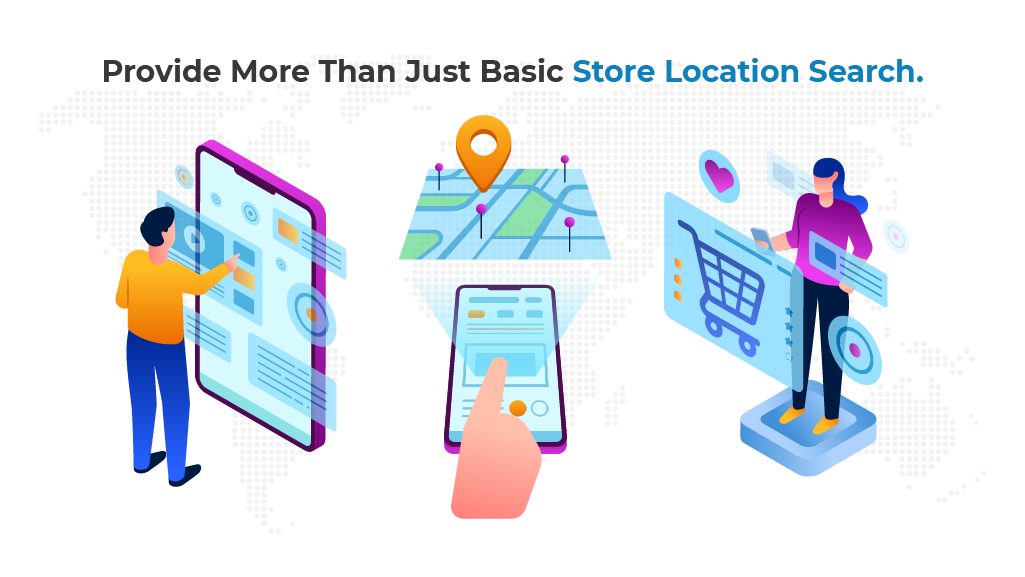
Many businesses discover too late that a basic outlet finder app only solves one problem—it shows where locations are.
As customer expectations grow, businesses need far more than a simple map. They need a complete store finder software solution that helps customers discover locations while giving administrators complete control over every outlet.
Agile Store Locator combines powerful search with enterprise-ready management tools, allowing businesses to build a professional outlet finder that continues growing alongside their organization.
| Feature | Business Benefit |
| Advanced search & filters | Help customers find the right outlet faster |
| Google Maps & custom markers | Improve navigation and brand visibility |
| CSV import & API support | Manage hundreds of locations efficiently |
| Custom fields & categories | Display richer outlet information |
| WooCommerce integration | Connect store locations with online purchases |
Whether you’re launching a new retail chain or expanding an existing network, these capabilities eliminate the need to replace your solution as your business grows.
Furthermore, customers don’t stop using their phones after arriving.
Research shows that 80% of shoppers use their phones inside physical stores to compare products, read reviews, or find alternative locations.
Retailers offering pickup services can further improve the shopping experience with WooCommerce Local Pickup, while organizations managing dealer networks can explore Dealer Locator Solutions to provide the same responsive search experience across multiple business models.
The best store finder plugin isn’t the one with the longest feature list—it’s the one that continues solving new business challenges as your organization evolves.
Electrical Outlet Finder Apps vs Retail Outlet Finder Apps
It’s worth noting that not every outlet finder app serves the same purpose.
Some apps available through Google Play and the App Store are designed to help users locate electrical outlets and wall sockets, making them useful for charging a laptop, scooter, skateboard, or other electric and e-commute devices while travelling.
These apps help users locate sockets, identify wall sockets available for public use, and even show businesses that permit visitors to use their electricity.
In many cases, the electrical outlets and wall sockets are submitted by app users, making them community-driven resources.
A retail outlet finder is completely different. Instead of helping people find a place to recharge their devices, it helps customers discover nearby stores, compare locations, view opening hours, and navigate directly to a business. If your goal is to increase store visits and improve customer convenience, a responsive retail outlet finder delivers far greater value than a charging-point application.
What Users Expect from Modern Outlet Finder Apps
Whether someone downloads an Outlet Finder from Google Play or the App Store, one thing quickly becomes clear: users expect a reliable experience.
They want the latest version, accurate locations, and a responsive interface that works every time they open the app.
Poor user experience often occurs when the map is empty, locations are outdated, or the information depends entirely on data submitted by app users without regular verification.
That’s one reason many businesses prefer delivering an outlet finder directly through their website instead of relying on a standalone mobile application.
A website-based solution gives the developer complete control over updates, business information, and privacy, ensuring customers always see the latest outlet details instead of waiting for app updates or community submissions.
Whether customers have previously used the app or are searching for your business for the first time, they care about one thing above everything else—finding the right location quickly and confidently.
A responsive website that’s always up to date often delivers a better long-term experience than asking customers to install and maintain another mobile application.
Need More Than an Outlet Finder? Introducing WP Maps
While Agile Store Locator is the perfect solution for businesses that want to create an outlet finder app experience, some organizations eventually need much more than a traditional store locator.
They may want to manage service areas, products, delivery zones, routes, customer locations, and interactive maps from one centralized platform.
That’s where WP Maps comes in.
Rather than being just another store locator, WP Maps combines advanced mapping capabilities with a built-in store locator, giving businesses a complete location management solution.
From interactive maps and location data to scalable business mapping, it provides the flexibility growing organizations need without juggling multiple tools or platforms.
If your business is expanding beyond simple outlet management,
Explore WP Maps to see how it can unify mapping and location management into one powerful platform.
8- Why a Website-Based Outlet Finder Is Better for Most Businesses
Creating an outlet finder app doesn’t have to mean building a mobile application.
For most businesses, a responsive website delivers everything customers actually need: fast search, accurate locations, interactive maps, and instant directions—without the cost and complexity of native app development.
Agile Store Locator proves that delivering an exceptional customer experience is about accessibility, not app downloads.
By combining into one platform:
- Responsive design
- Powerful search
- Google Maps integration
- Enterprise-ready management tools
Businesses can launch a professional outlet finder that is easy to manage today and ready to grow tomorrow.
If you’re still comparing solutions, our guide to Choosing the Right Plugin explains the key features, scalability considerations, and long-term factors every business should evaluate before making a decision.
The best technology is rarely the most complicated—it’s the one customers enjoy using and your team enjoys managing.
Instead of investing valuable time and resources into building a native application, invest in an experience that helps more customers discover your business, visit your locations, and keep coming back.
A great outlet finder app experience isn’t defined by whether customers install an application. It’s defined by how quickly they can find the right location, trust the information they see, and confidently walk through your doors.
Frequently Asked Questions About Outlet Finder Apps
Does an outlet finder app help locate nearby outlets?
Yes. An outlet finder app helps users quickly locate nearby businesses or public facilities. Some consumer apps are designed to help you locate electrical outlets, while businesses can provide a much richer outlet finder app experience through a responsive website without requiring customers to install another app.
Can an outlet finder app locate outlets or sockets?
Some apps are designed specifically to find outlets or sockets available in public places. A typical finder app helps you locate charging points, while a business-focused outlet finder app helps customers find nearby stores, branches, or service locations using interactive maps.
Do outlet finder apps help you locate electrical outlets?
Yes. Some apps help you locate electrical outlets and outlets and sockets for charging devices in public spaces. Businesses, however, usually need an outlet finder app that helps customers discover physical locations rather than electrical charging points.
Can businesses create an outlet finder app without mobile app development?
Absolutely. Instead of building native Android or iOS applications, businesses can create an outlet finder app experience using Agile Store Locator. Customers simply open the website, search nearby locations, and receive directions without downloading another application.
Can customers find outlets and wall sockets available for public use?
Consumer applications may list outlets and wall sockets available in libraries, cafés, airports, or other public places. Business websites, on the other hand, focus on helping visitors locate nearby stores, dealers, retailers, or service centers with interactive maps and search tools.
How do public outlet finder apps collect their information?
Many charging directories rely on community contributions. New locations are added as users submit information, so submitted outlets and counts continue to grow over time. These apps often advise users to verify details before visiting because availability can change.
A Side-Note About Public Outlet Finder Apps
Many consumer apps are built to help you locate electrical outlets where you can get the charge you need to power a phone, tablet, laptop, scooter, skateboard, or other e-commute device.
These community-driven apps often recommend that you bring your cord, because available power sources vary by location.
Some directories list more than 600 submitted locations and currently continue growing as contributors add new places. If you discover a new charging spot, please consider submitting it so other users can benefit as well.