
Set Different Payment Methods for Each Store in WooCommerce
Stop forcing the same payment options on every location. With Multi Store Addons for WooCommerce, each store can offer its own payment methods, for example, Flat Rate for Store A and Local Pickup for Store B, based on how that store actually operates.
Store-Level Payment Control Built for Multi-Location WooCommerce
Offer payment methods that actually match how each store operates, improving checkout accuracy and customer confidence across all locations.

Per-Store Payment Methods
Assign different payment methods to each store so checkout options reflect how that location fulfills and accepts payments accurately at checkout.

Same Zone Flexibility
Use different payment methods for stores even when they exist inside the same WooCommerce shipping zone without creating duplicate setups.

Checkout Accuracy
Customers see only valid payment methods for their selected store, preventing failed payments, checkout errors, and purchasing confusion.

Operational Control
Disable unsupported payment methods for specific stores based on location, fulfillment type, or business rules to prevent invalid checkout options.

Scalable Configuration
Add new stores with their own payment setups without affecting existing locations or global settings across your WooCommerce environment.
Improved Customer Trust
Clear, store-based payment options build confidence and reduce checkout friction while ensuring customers only see valid and secure payment choices.

Store-Level Payments
Assign Different Payment Methods to Individual Stores
Each store can use payment methods that match its fulfillment model and operational needs.
This ensures payment options align with how each store actually processes orders.
- Assign payment methods per store
- Support delivery and pickup-only stores
- Avoid unsupported payment options
- Match payments to store operations
Store-level control improves payment accuracy.

Same Zone Freedom
Use Different Payment Methods Within the Same Zone
Stores inside the same shipping zone no longer need identical payment options.
Each location can operate independently without complex configurations.
- Override zone-based payment limitations
- Avoid duplicated payment setups
- Support mixed store workflows
- Keep configuration simple
Zone flexibility removes unnecessary restrictions.

Cleaner Checkout
Show Only Valid Payment Methods at Checkout
Customers see payment options that apply only to their selected store.
This prevents failed payments and confusion during checkout.
- Hide invalid payment methods
- Prevent checkout errors
- Reduce payment failures
- Improve order completion rates
Relevant options improve checkout clarity.
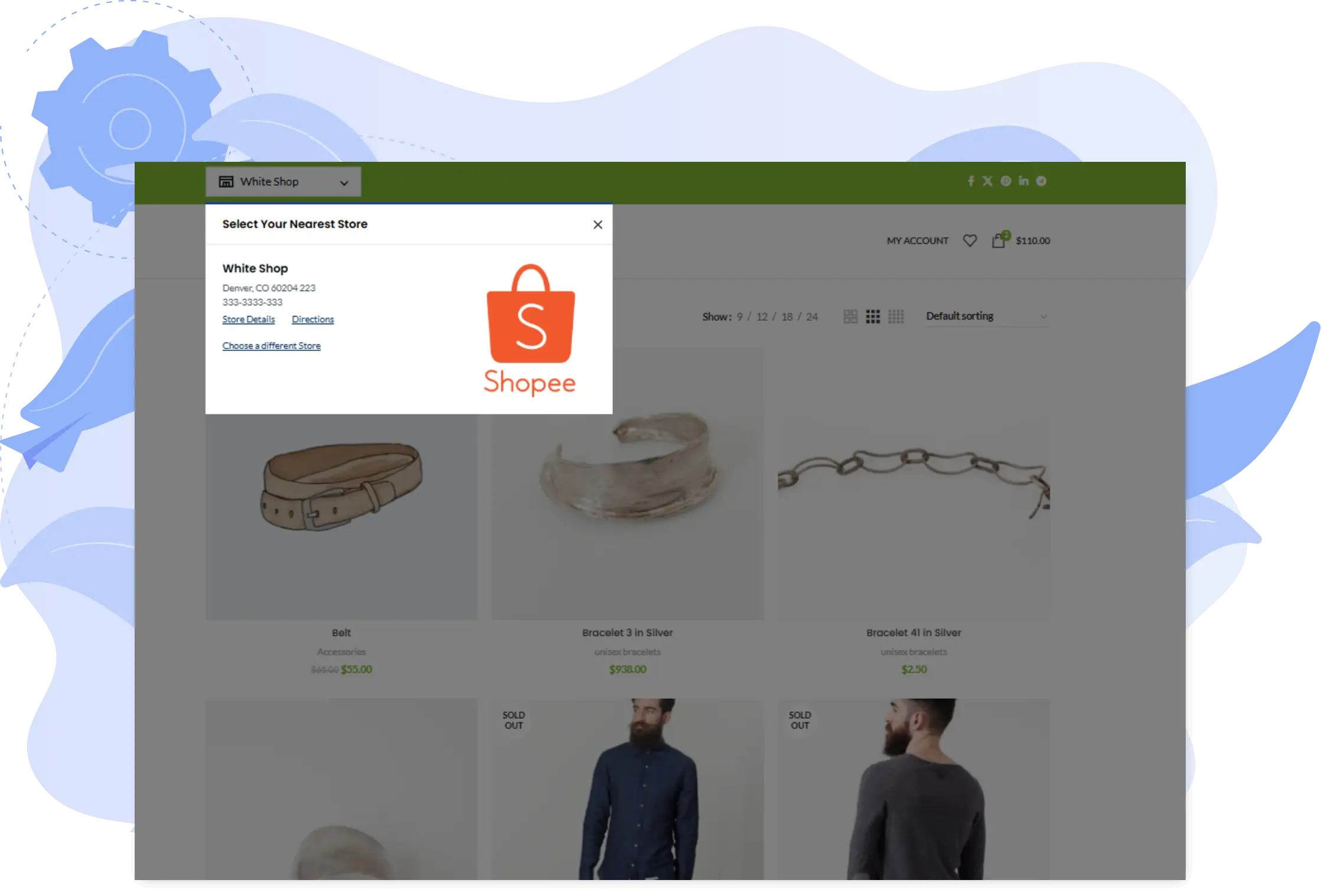
Scalable Operations
Scale Payment Logic as Your Store Network Grows
New stores can be added with their own payment methods without disrupting existing setups.
This keeps your payment system scalable and future-ready.
- Add new stores effortlessly
- Keep existing payment logic intact
- Support expanding store networks
- Maintain operational consistency
Scalable payments support long-term growth.
WANT TO SEE HOW IT WORKS?
Here are a few test case to demonstrate the above multistore payment options in NYC.


